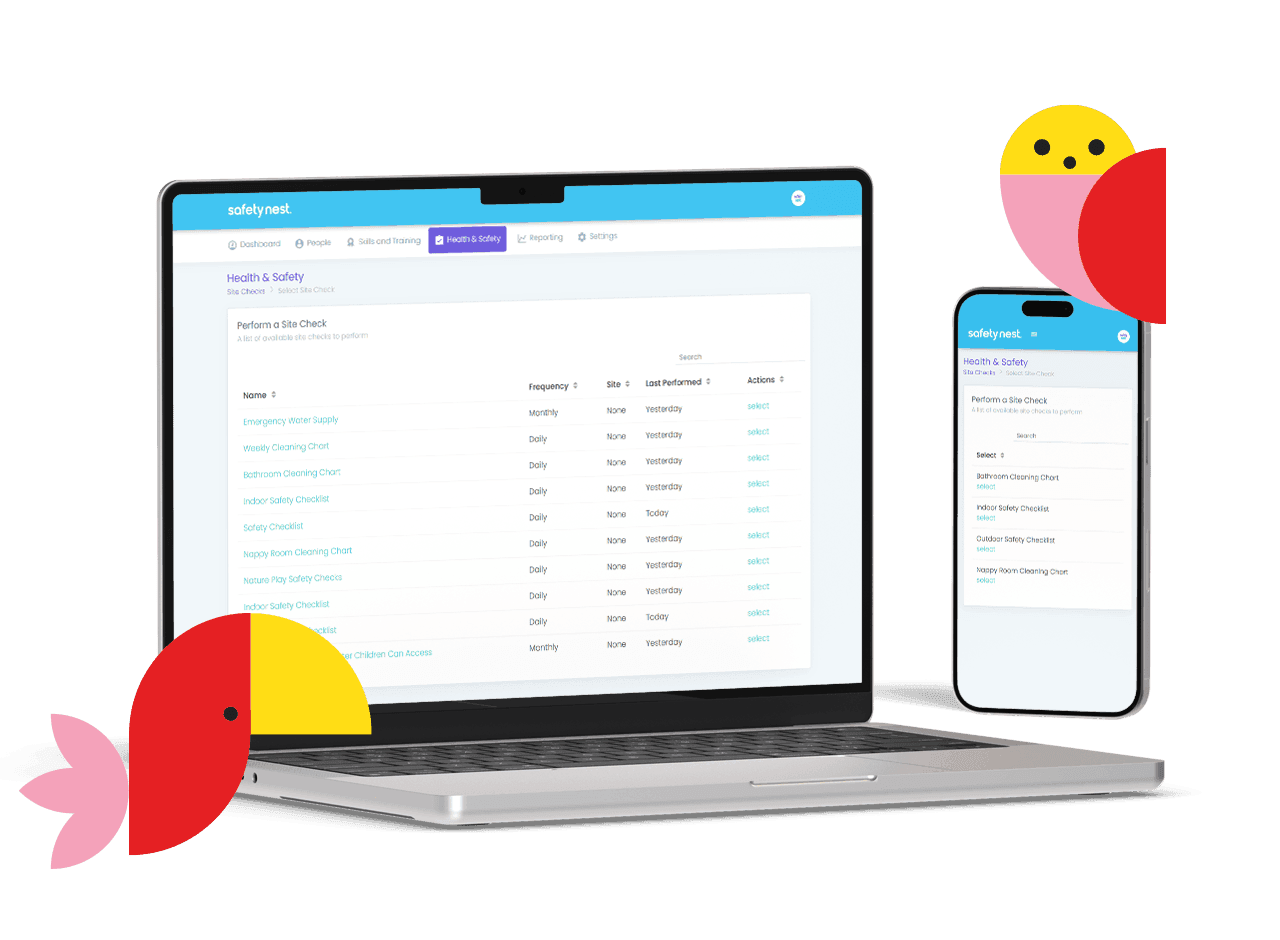
How SafetyNest works in your ECE environment
SafetyNest replaces the piles of paper and spreadsheets or outdated systems with one secure, cloud-based system that’s easy to use and easy to trust.
Feather-light admin. Rock-solid compliance.
With curious tamariki, every day in early childhood education brings something new, be it bumps and scrapes, unexpected moments or the occasional emergency.
Whether you’re running a busy centre or a home-based learning environment, the responsibility stays the same, and the paperwork can pile up fast.
SafetyNest helps you stay on top of it all with simple, purpose-built software that keeps your environment safe, compliant, and stress-free.
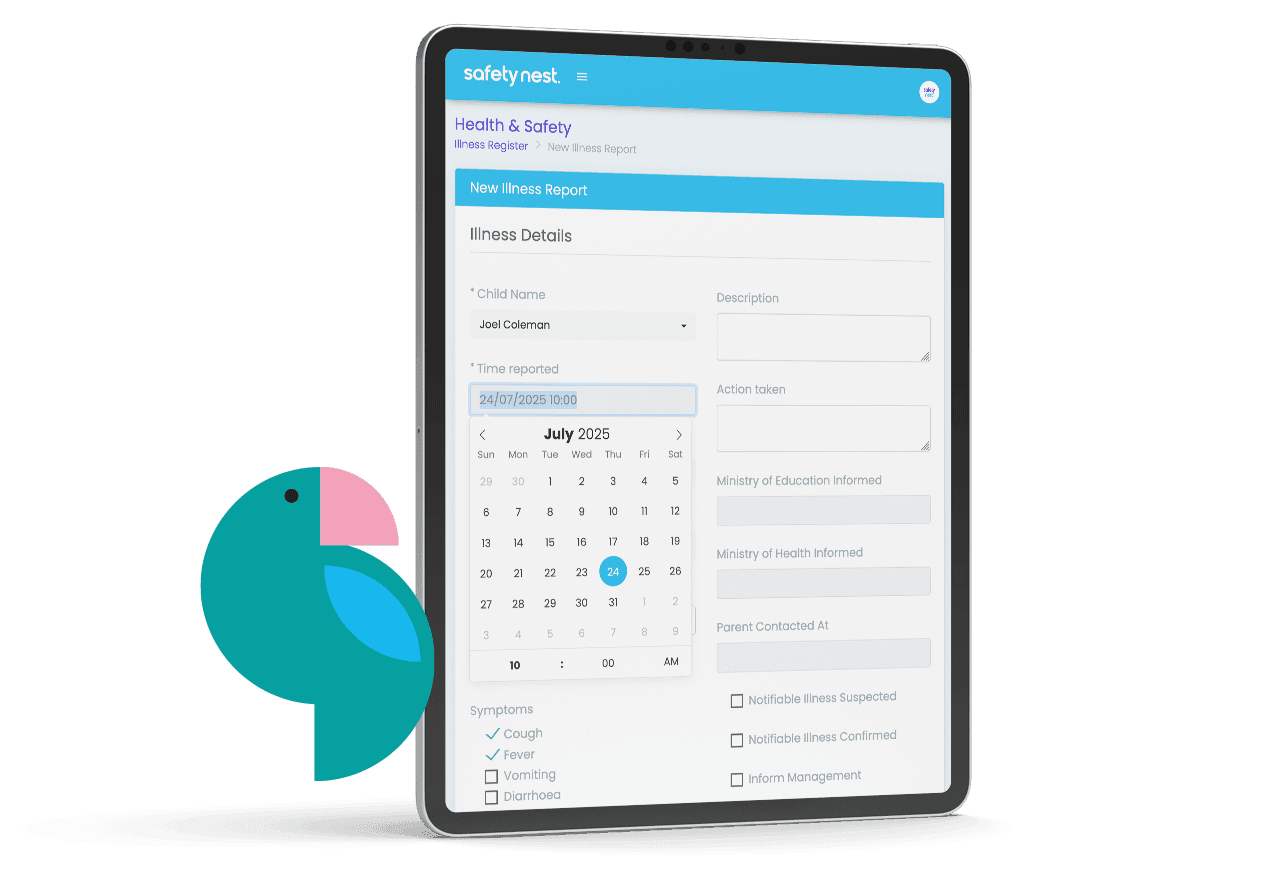
Incident & Illness Reporting
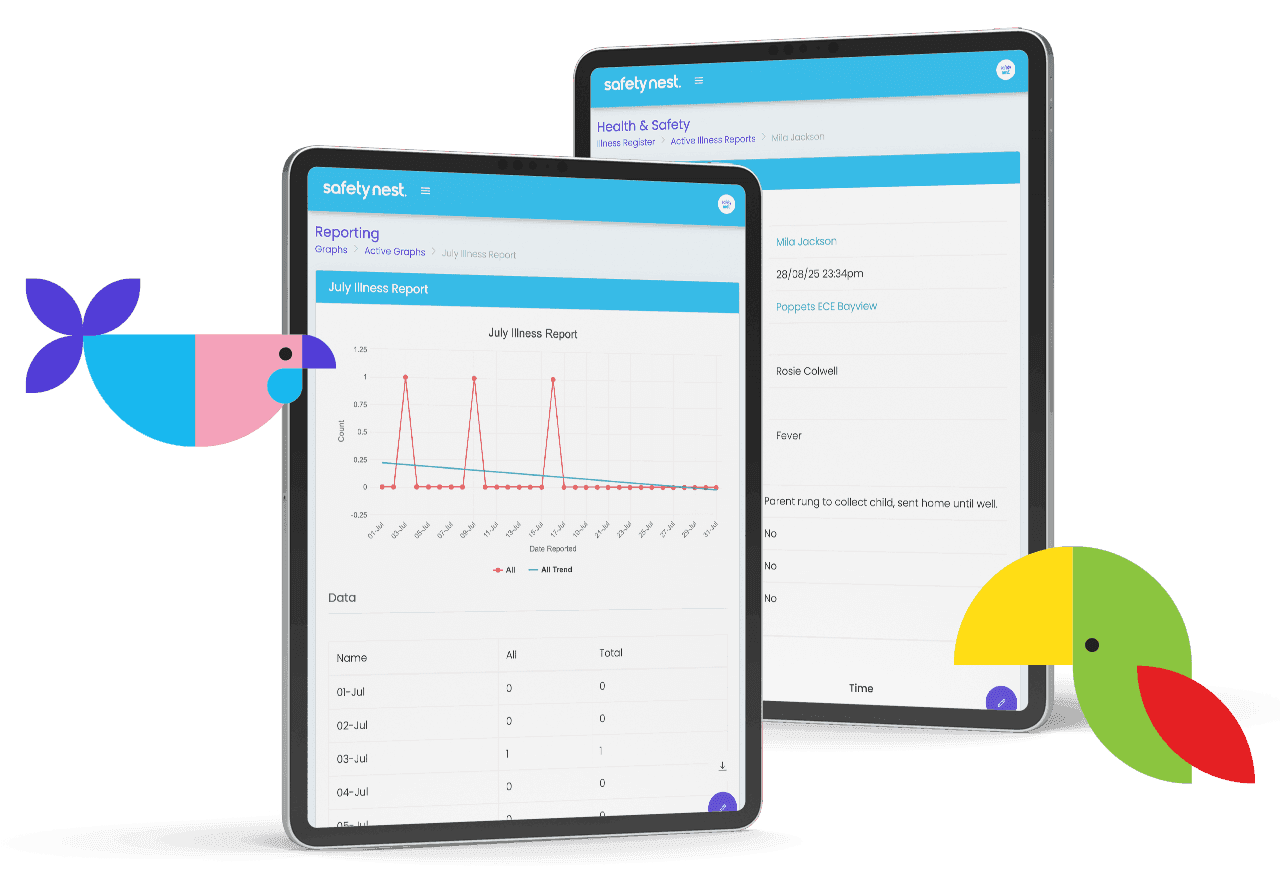
Quickly log incidents, injuries, illnesses or medication administration from any device. Reports are automatically saved, timestamped, and linked to the child’s profile.
Pre-filled categories for easy form-filling
Upload photos and notes
Automatic record-keeping for audits
Generate PDF copies to share with whānau
1 of 7
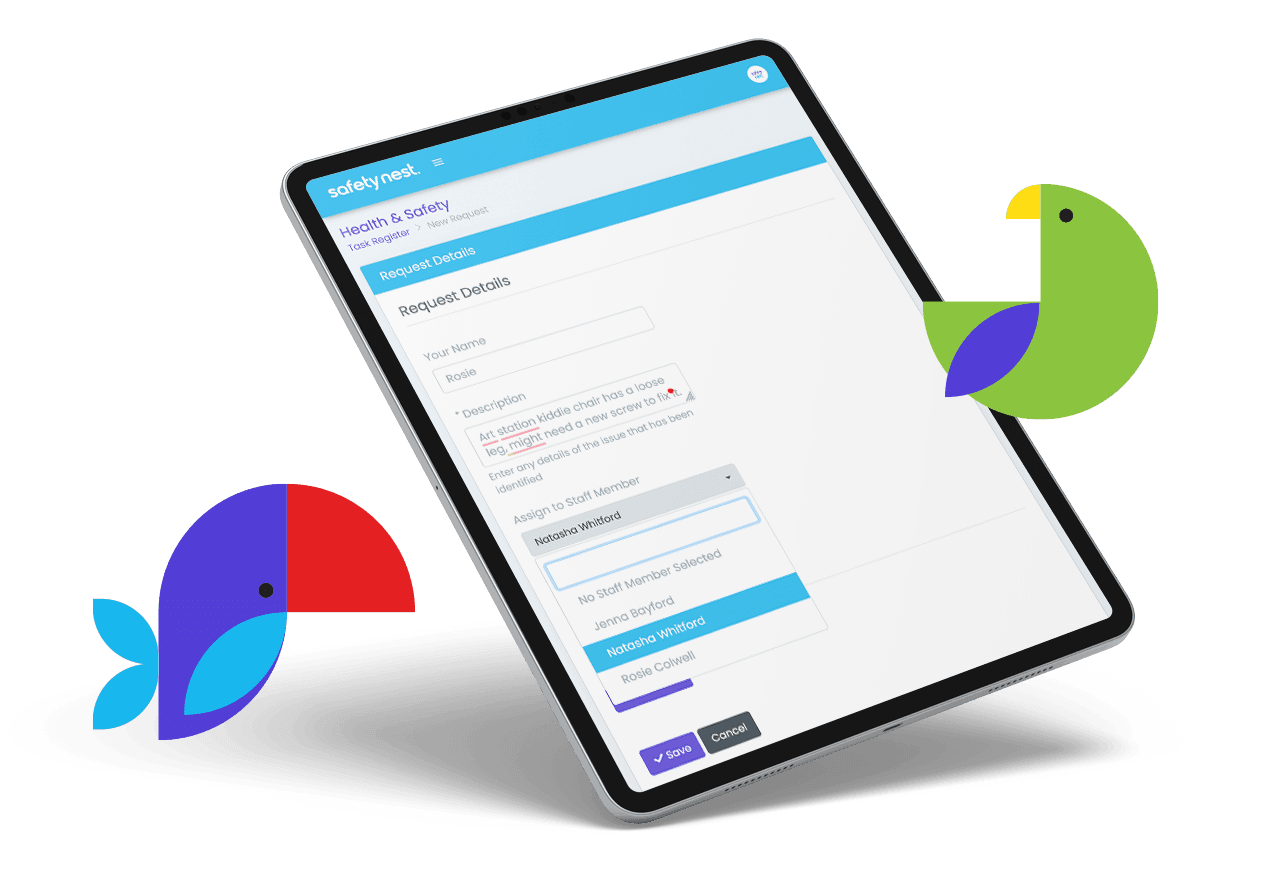
Hazard & Maintenance Tracking
Spot a wobbly chair or outdoor hazard? Log it immediately. SafetyNest lets you record, assign and track hazards until resolved so nothing falls through the cracks.
Keep your Hazard Register up to date
Assign follow-up actions
Add photos and notes
See open issues at a glance
2 of 7
Health & Safety Procedures
Whether it’s everyday routines or more complex planning for excursions, SafetyNest helps you keep every procedure consistent, compliant, and easy to follow.
Editable templates for key procedures
Set review dates and receive reminders
Attach supporting documents or visual aids
3 of 7
Checklist Management
Create checklists for all of your needs - everything from daily checks to emergency drills to regular playground checks.
Create templates to match your centres needs
Clear notification of checklists due on dashboard
Escalate issues observed
Email reminders if a checklist is overlooked
4 of 7
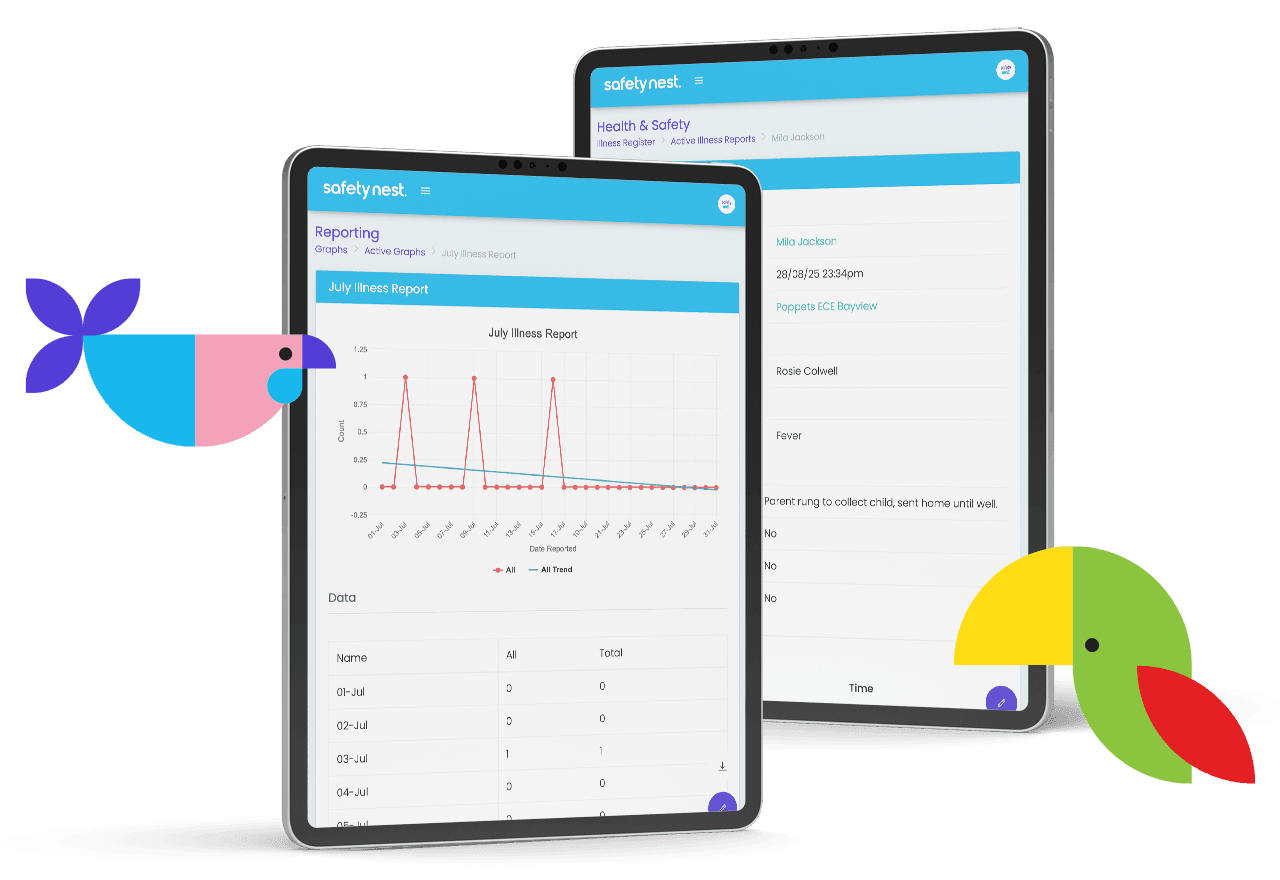
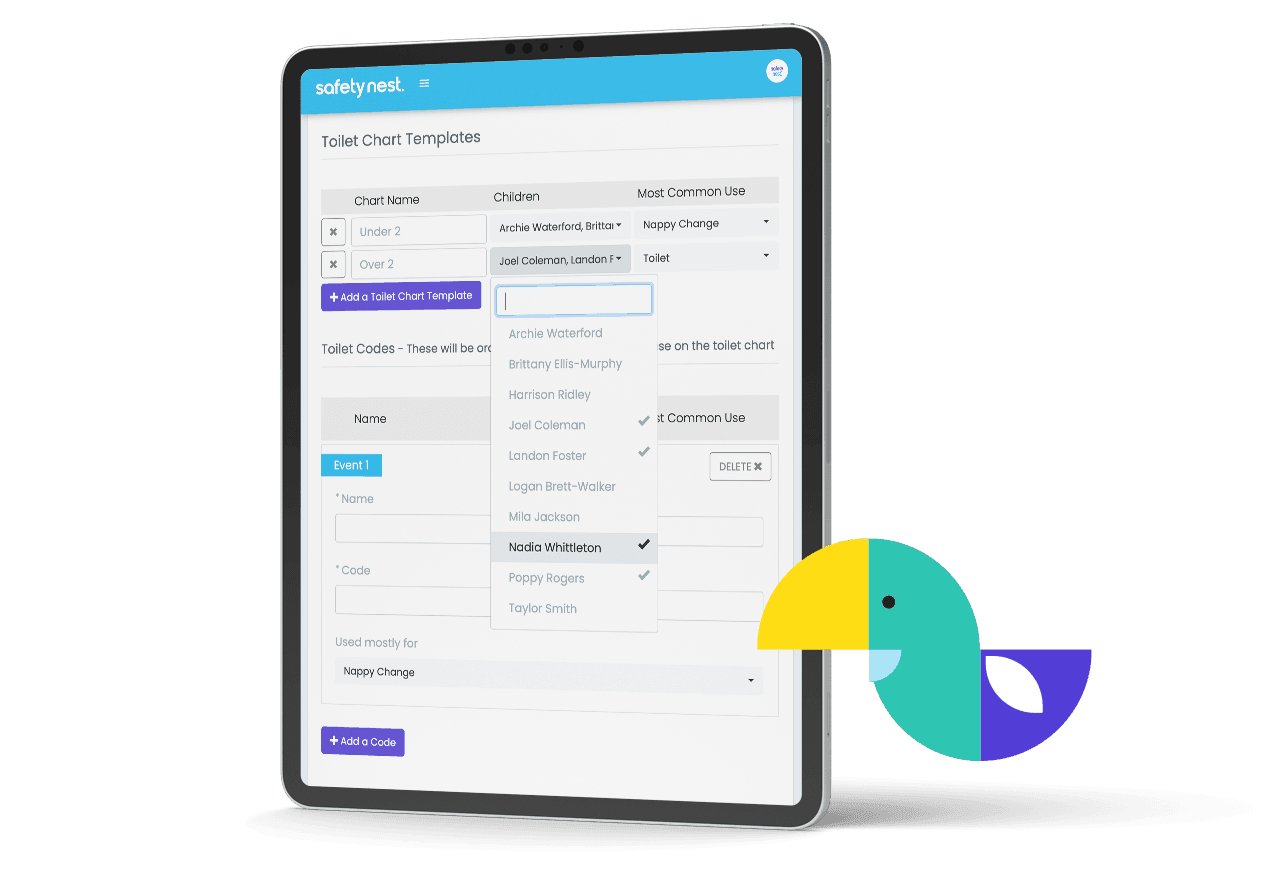
Sleep and Toilet Charts
Record sleep times, sleep checks and toileting or nappy changing records
Regular reminders when room check is due
View when a child was last toileted or changed
Add notes to children's sleep records
Record room temperatures
5 of 7
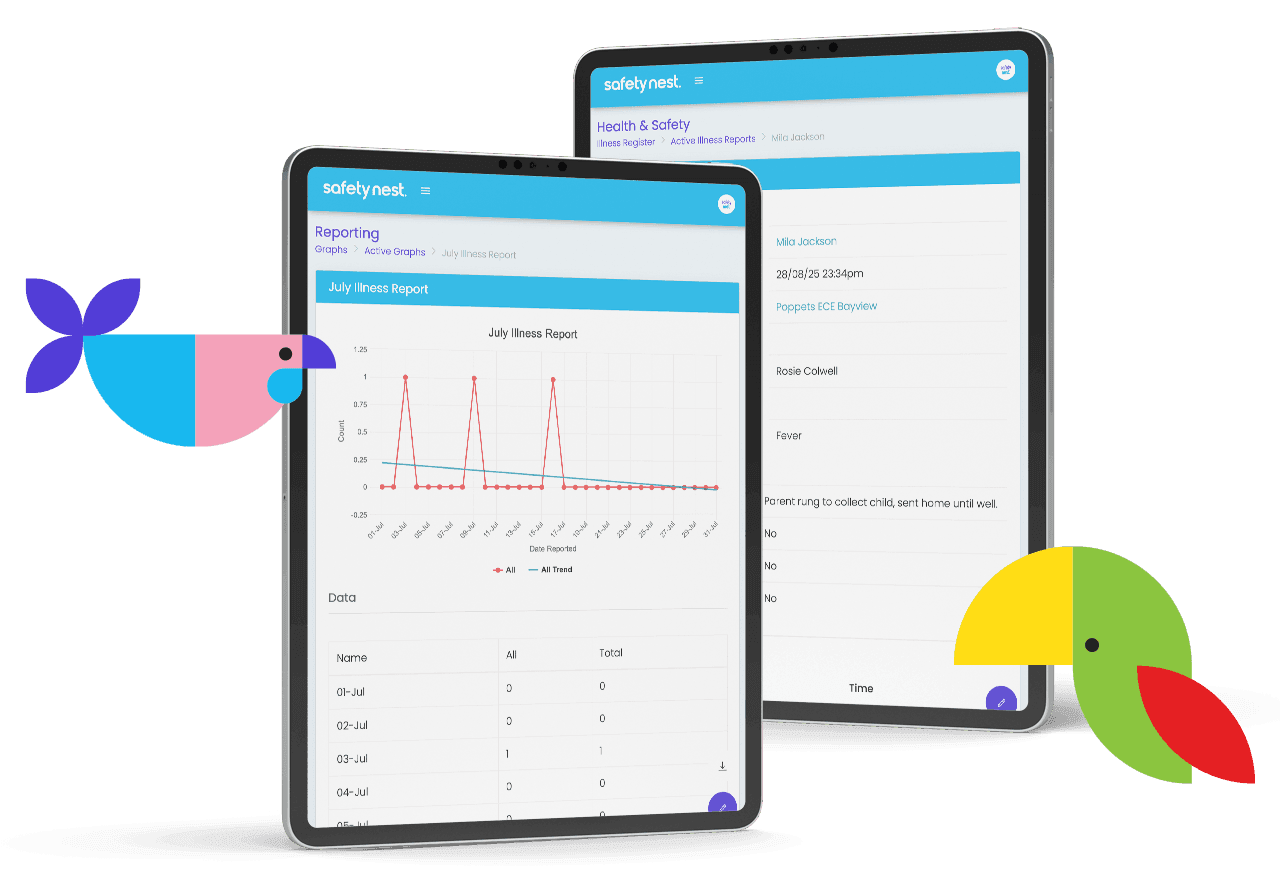
Manage Maintenance
No more spreadsheets or emails. All maintenance requests and tasks in one place
Easy to add maintenance request through checklist form (no need to open a new system)
Assign tasks to members of staff or contractors
Keep track of what needs done and what has been completed
6 of 7
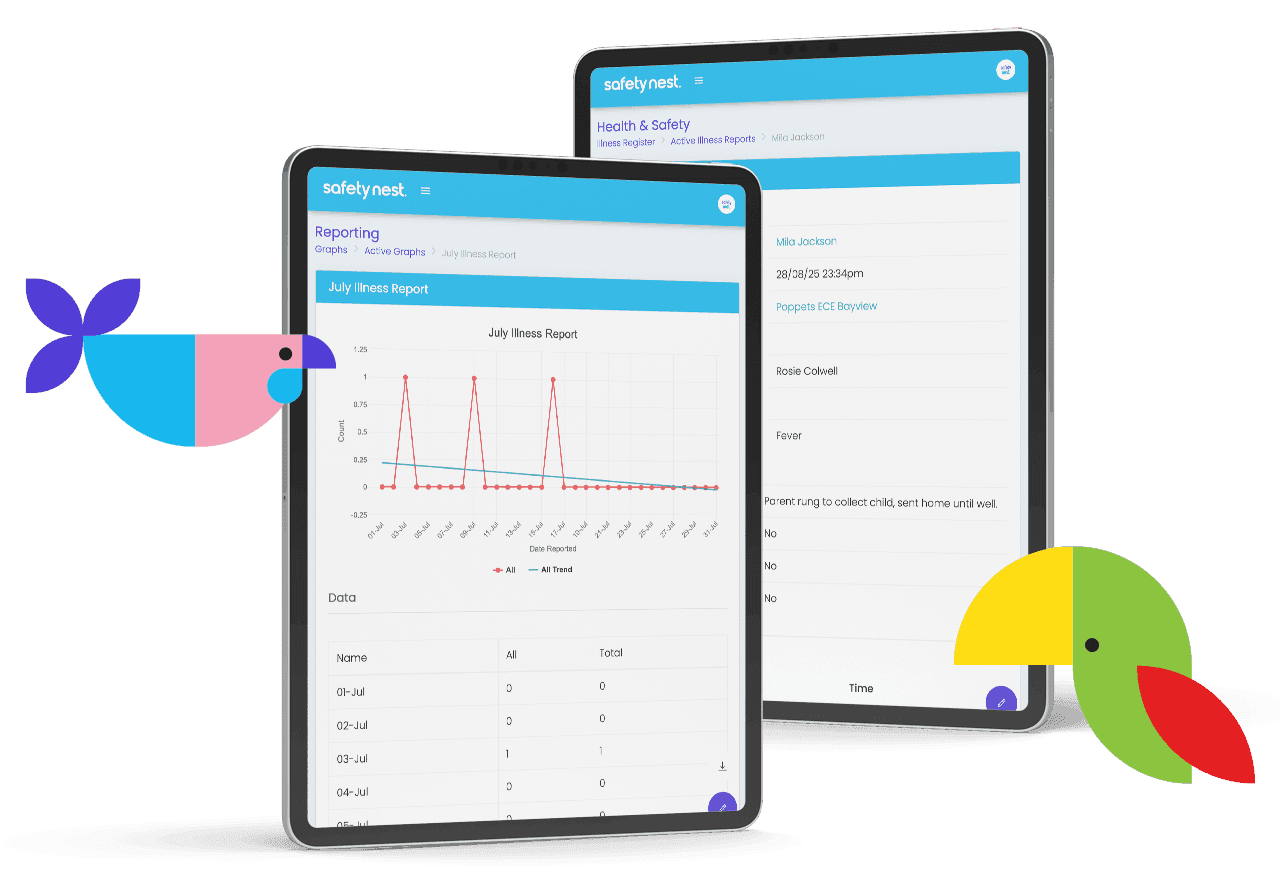
Real-Time Reporting
No more spreadsheets. See live dashboards of incidents, trends and overdue actions, perfect for board reports or upcoming audits.
Export reports as PDFs or Excel
Spot patterns to improve safety
Easy to share with centre owners or management
7 of 7
Built with ECE centres in mind
SafetyNest was designed alongside real NZ educators and auditors. It’s:
Easy to use - no training required
Accessible from any device
Updated regularly to match NZ regulations
Backed by responsive Kiwi support
Ready to lighten the admin load?
Book a demo and see how SafetyNest can make compliance simple, clear, and stress-free for your ECE centre.
What Centre Managers are saying
–
“SafetyNest’s real-time reporting helps us spot patterns and focus on the right areas — with clear graphs we can share at team meetings.”
- John Cook, Happy Hearts ELC; Managing Director
–
“We used to spend up to four hours analysing handwritten data from incident and accident reports. Now with a click of a button we have reports and graphical data to refer to.”
- Gemma Smith, Gem's Educational Childcare; Director

–
“We had an ERO Review while using SafetyNest - the reviewers had no issues with how we documented and stored our safety information.”
- Pauline Roberts, Orakei Montessori Preschool